
LifeSize Unity Series
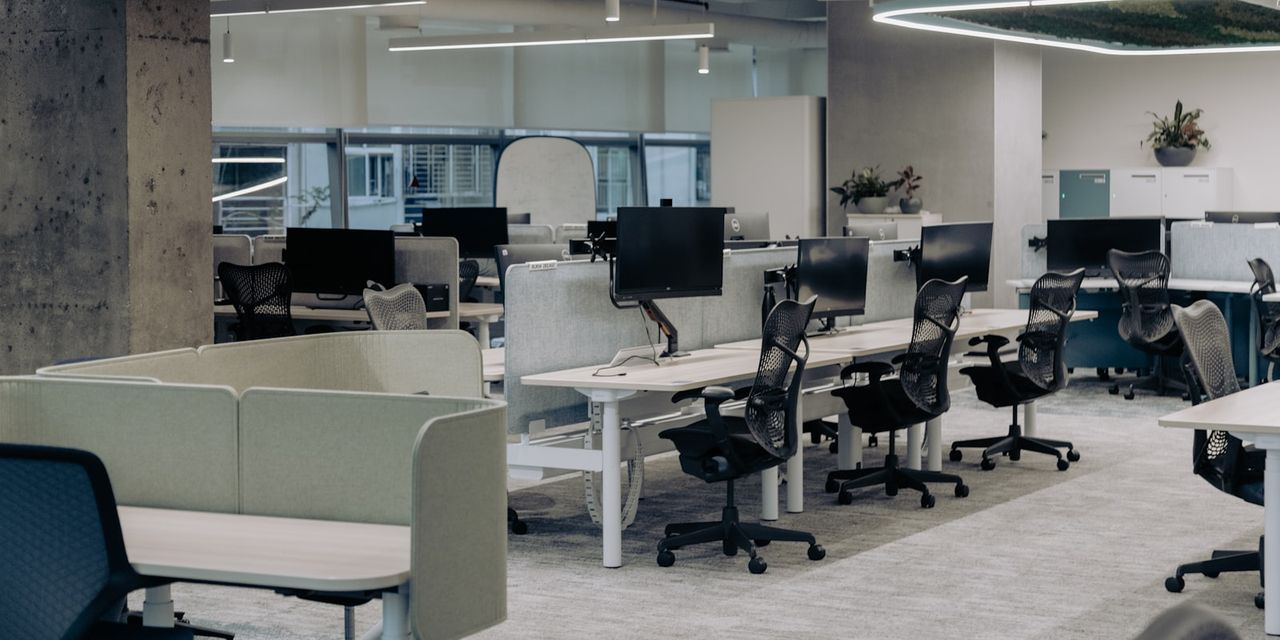
The LifeSize Unity Series combines best-in-class HD video, audio and presentation capabilities in a brilliantly optimized, integrated solution. Everything you need to conduct a high quality HD video conference comes packaged within the sleek, all-in-one solution, which is simple to deploy and intuitive to use. With a choice of solutions that help facilitate effective collaboration sessions for anyone, in any size meeting room, the LifeSize Unity Series comprises the LifeSize Unity 50 (24” display), the LifeSize Unity 500 (40” display), the LifeSize Unity 1000 (single 55” display) and the LifeSize Unity 2000 (dual 55” displays).
Featuring name-based dialing, presence and search, the LifeSize Unity solutions ensure enthusiastic adoption of video conferencing through an intuitive, easy-to-use experience. Spend your valuable time collaborating, rather than learning complicated menus and commands.
LifeSize Unity Series offers HD video conferencing, crystal-clear audio-only calls and optimized presentation features so you can build stronger relationships with customers, partners and colleagues.
LifeSize Unity solutions were built with simplicity in mind. Each system can be set up by anyone with no IT assistance.
Each LifeSize Unity solution is easy to order and comes complete with everything you need to operate it, helping you eliminate the time spent trying to figure out which components to order and ensuring global consistency of your video conferencing deployment.
Because all LifeSize Unity solutions offer a fully integrated HD video, audio and presentation solution, which can be easily moved around for use in different rooms within your organization, your investment in your video conferencing solution will be significantly less than average. And with minimal IT support and facilities resources required, the LifeSize Unity solution offers a cost-effective alternative to traditional telepresence systems.
Comparison Table
Features LifeSize Unity 50 LifeSize Unity 500 LifeSize Unity 1000 LifeSize Unity 2000 Setting Ideal for executive offices, small workspaces, home offices Ideal for executive offices and small meeting rooms Ideal for large meeting spaces Ideal for boardrooms and large conference rooms Display 1080p HD 24″ LED-LCD display 1080p 40″ high-contrast edge-lit LED HD display Single 1080p 55″ high-contrast edge-lit LED HD display Twin 1080p 55″ high-contrast edge-lit LED HD displays Audio High-performance, high-output speakers for rich, crystal-clear audio Active, professional-studio-grade loudspeaker system Active, professional-studio-grade loudspeaker system Active, professional-studio-grade loudspeaker system HD
Resolution True HD quality 720p30 Full HD quality 1920x1080p30; 1280x720p60 Full HD quality 1920x1080p30; 1280x720p60 Full HD quality 1920x1080p30; 1280x720p60 System LifeSize Passport LifeSize Express 220 LifeSize Express 220 or LifeSize Room 220 LifeSize Express 220 or LifeSize Room 220 Phone N/A LifeSize Phone,2nd Generation LifeSize Phone,2nd Generation LifeSize Phone,2nd Generation Assembly Two cables to plug in Set up by anyone; no IT assistance required Set up by anyone; no IT assistance required Set up by anyone; no IT assistance required
LifeSize Virtual Link
LifeSize Virtual Link enables you to share content from your computer during HD video calls without the need for a wired connection.Traditional data sharing during an HD video call is enabled over a DVI cable connection to your desktop or laptop. With LifeSize Virtual Link, you can share data during your HD video call from any LifeSize Unity 50, LifeSize Passport, LifeSize Passport Connect and LGExecutive, powered by LifeSize, without the interruption of swapping out DVI cables during your call.Any LifeSize user with a Windows PC or Mac can download the free LifeSize Virtual Link application and seamlessly share his or her desktop with remote participants through video calls from the LifeSize Unity 50, LifeSize Passport, LifeSize Passport Connect or LGExecutive, powered by LifeSize. The presenters do not even have to be in the same room as the video endpoint in order to share content over the network.
Simply complete the LifeSize Virtual Link Download form below to access your free download.
LifeSize Virtual Link’s clean and simple UI allows you to search for endpoints on your network and organize your favorites for recurring meetings. You can even view the status of each endpoint before starting your presentation.
Written by
PGH Networks Team
The PGH Networks team — Pittsburgh-based managed IT, cybersecurity, and cloud specialists helping local businesses run securely and grow.
Related reading
Video Conferencing Solutions in Pittsburgh
Managed video conferencing solutions in Pittsburgh: room design, Teams and Zoom rollout, network tuning, and ongoing support from a local MSP within 75 miles of 15220.

Hosted Phone System Pittsburgh
Looking for a hosted phone system in Pittsburgh? PGH Networks delivers cloud VoIP with local support, HIPAA-ready configs, and AI-assisted call workflows.
How to Find a Stolen Phone: A Pittsburgh IT Guide
A practical Pittsburgh-based guide on how to find a stolen phone, lock it remotely, protect business data, and prevent the next incident.