
THE IMPORTANCE OF SYSTEM ADMINISTRATOR
Friday, July 29th is National System Administrators Day and we would like to spotlight our System Administrators and their importance.
If you have ever spoken with our Help Desk Team, then you have first-hand experience with a System Administrator. They are to help determine solutions to technical issues you may be experiencing. But what does their day-to-day job really look like?
The roles of a System Administrator are board and extremely beneficial to have an organization run successfully. Their duties include, but are not limited to:
- Managing Windows, Linux, or Mac systems
- Upgrading, installing and configuring application software and computer hardware
- Troubleshooting and providing technical support to employees
- Creating and managing system permissions and user accounts
- Performing regular security tests and security monitoring
- Maintaining networks and network file systems
The main goal of a Sysadmins is to ensure that the uptime, performance, resources, and security of the computers they manage meet the user needs, and industry standards.
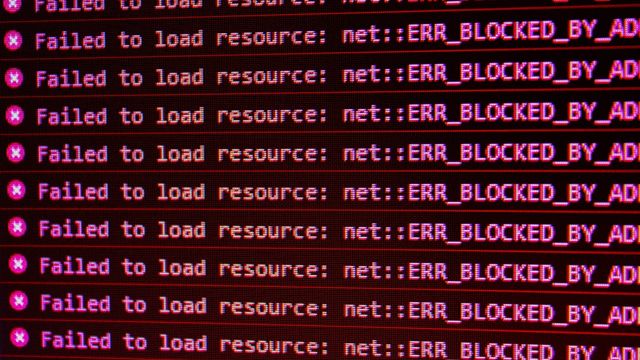
ERROR: An Error Has Occured, Please Contact Your System Administrator
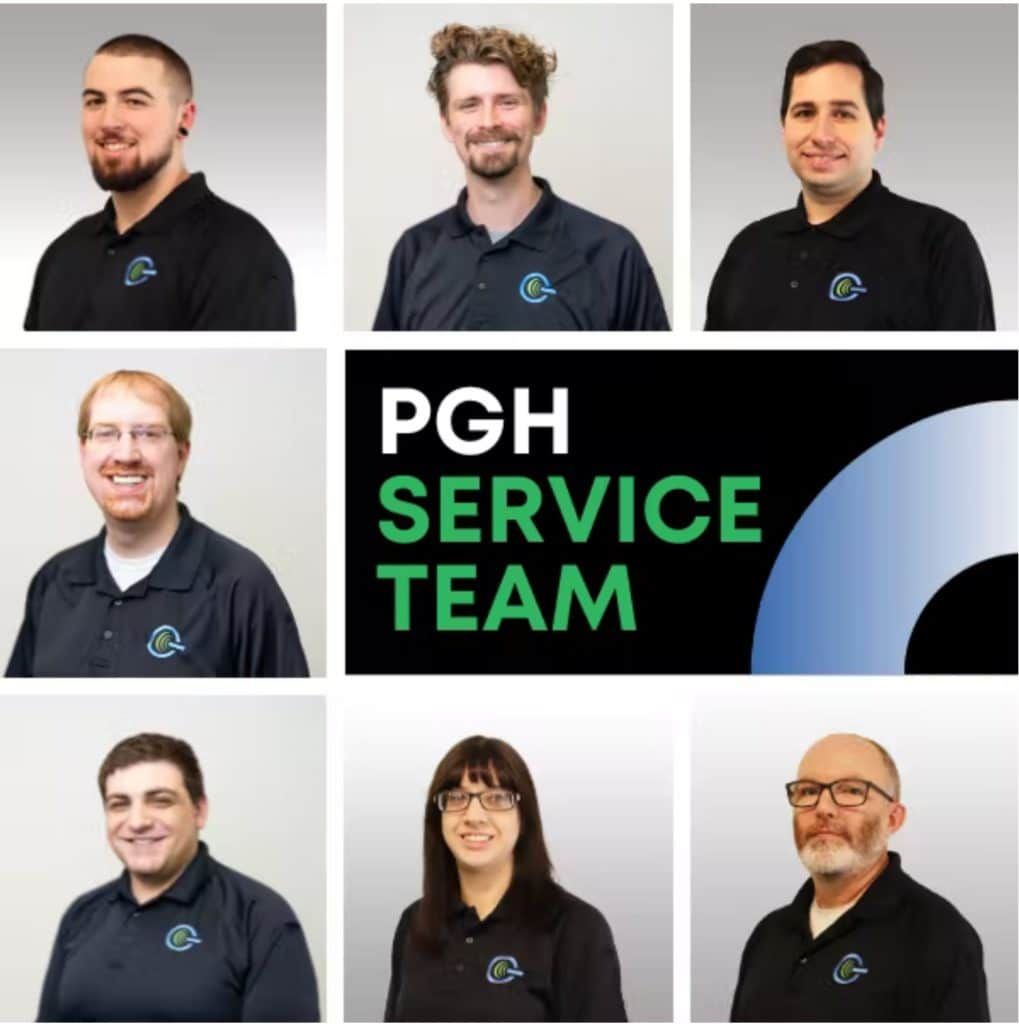
Be sure to show appreciation the next time you speak with a System Administrator! Not everyone can do their job successfully, and we here at PGH Networks greatly appreciate our service team and the hard work they put forth daily! Thank you!
NEED TECHNOLOGY SUPPORT?
At this point, you can tell that we greatly appreciate our support team and value their expertise. If your organization requires continued technical support, please contact us immediately!
Written by
PGH Networks Team
The PGH Networks team — Pittsburgh-based managed IT, cybersecurity, and cloud specialists helping local businesses run securely and grow.
Related reading

CISA Orders Urgent Zimbra Patch: What Pittsburgh SMBs Should Do
CISA ordered urgent patching of an actively exploited Zimbra flaw. Here is what Pittsburgh SMBs running Zimbra should do this week to stay ahead of attackers.
Defender's Own Boot Driver Can Be Turned Against You
Check Point Research shows Microsoft Defender's BTR.sys driver can be abused to wipe security tools at boot. What Pittsburgh SMBs should do this week.
Max-Severity Entra ID Flaw Exploited: What Pittsburgh SMBs Should Do
Microsoft patched a max-severity Entra ID flaw exploited in attacks. Here is what Pittsburgh SMBs on Microsoft 365 should check this week, step by step.